







2026 UV DTF Film Buying Guide
A practical B2B guide to selecting, testing, sourcing, and inspecting matched UV DTF A and B film for repeatable cold-transfer production.

The right UV DTF film is not simply the clearest or cheapest roll. A reliable purchase is a matched A film and B film system that feeds cleanly, accepts the buyer's ink stack, laminates without trapped air, releases complete details, and adheres to the intended hard surface after realistic handling. This 2026 buying guide focuses on procurement and acceptance decisions for print shops, distributors, private-label buyers, and production teams.
UV DTF film is designed for cold-transfer decoration of compatible hard goods. It is different from textile DTF film, which uses water-based pigment ink, hot-melt powder, and a heat press. Buyers who need a basic introduction can first read what UV DTF film is and how the process works; this guide addresses how to specify, test, and buy the A/B consumable system.
What should a buyer decide before requesting a quotation?
A useful UV DTF film quotation begins with the printer, ink and varnish system, laminator, roll width, finished substrates, artwork profile, production speed, storage environment, and expected order volume. A request that only says '30 cm UV DTF film' leaves the supplier to guess about coating behavior, release balance, and end-use conditions.
The target surface should be defined by material and finish, not by product name alone. Two tumblers may use different coatings, two plastics may have different surface energy, and painted metal may behave differently from bare or powder-coated metal. A sample that works on glass does not automatically prove compatibility with every acrylic, ceramic, plastic, or coated surface.
What roles do UV DTF A film and B film perform?
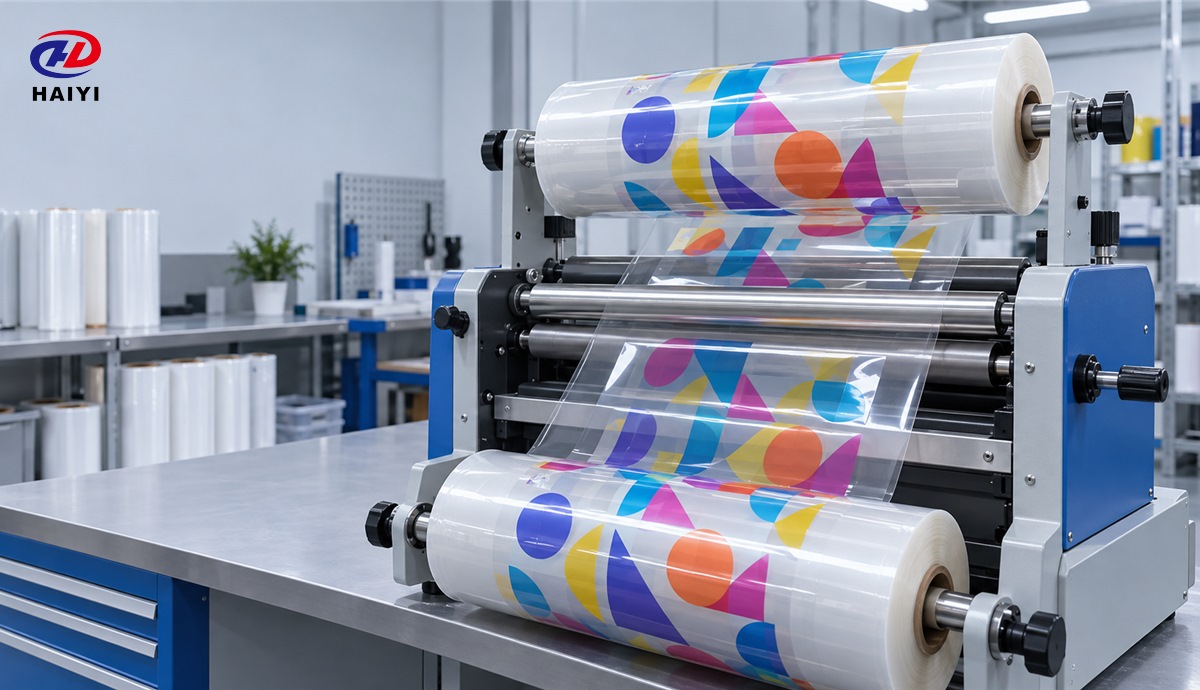
UV DTF A film is the printing and controlled-release component. Its surface must support the layer sequence required by the buyer's printer and RIP workflow while remaining dimensionally stable during feeding and UV exposure. A film that curls, attracts dust, or releases unevenly can create head strikes, pinholes, registration errors, and incomplete pickup.
UV DTF B film is the laminating and application carrier. It must contact the printed structure evenly, lift the complete design from A film, hold separated details in registration, and then release them during application. B film performance cannot be judged only by how sticky it feels because excessively aggressive or weak carrier behavior can both increase waste.
A and B films should be purchased and approved as a pair unless a supplier has documented cross-compatibility with the buyer's existing material. Substituting one component may change the release balance even when both rolls look similar. The lowest-risk approval method tests the exact A film, B film, ink, varnish, curing, lamination, artwork, and substrate combination intended for production.
| Component | Primary job | Failure signal | Buyer check |
|---|---|---|---|
| A film | Receive the printed structure and release it predictably | Ink spread, curl, dust defects, incomplete release | Feed, print, cure, laminate, and peel a representative roll section |
| B film | Carry the design and support final placement | Missing fine details, bubbles, residue, premature release | Apply to every target surface and inspect edges and isolated elements |
| A/B pair | Maintain a controlled transfer window | Good printing but poor pickup, or good pickup but poor application | Approve the complete system rather than each roll in isolation |
Which UV DTF film specifications actually matter?
Roll width and length matter because the material must fit the printer and laminator without edge interference or unstable tracking. Common commercial formats include 30 cm and 60 cm classes, but buyers should confirm the usable print width, core size, outside roll diameter, winding direction, total length tolerance, and whether the B film requires a lamination margin for their equipment.
Base-film thickness matters only in relation to feed stability, conformability, winding, and the machine path. A thicker material is not automatically better, and a specification range copied from another system may be misleading. The buyer should request the nominal construction and tolerance, then verify that the roll tracks consistently from the beginning through the end.
Surface cleanliness and anti-static behavior matter because UV DTF printing exposes glossy layers where small particles become visible defects. A sample inspection should include solid-color areas, fine outlines, isolated dots, and clear varnish zones. Dust control in the buyer's room must be considered separately from the film treatment because a good roll cannot compensate for a contaminated workflow.
Release behavior should be described as a usable operating window rather than a single pass/fail result. The A film should release the whole image without tearing fine details, while the B film should support placement without stretching or lifting the transferred design. Release should be checked after normal production dwell time and again after the storage interval used for finished transfers.
Optical appearance should be evaluated on the final object under realistic lighting. Buyers should inspect haze, gloss uniformity, color neutrality, edge visibility, and residue rather than judging only the unprinted roll. A clear carrier can still produce an unacceptable result if its adhesive or surface texture becomes visible on dark or high-gloss substrates.
How should substrate compatibility be evaluated?
UV DTF generally performs best on clean, dry, stable, hard surfaces that allow uniform contact. Smooth glass, acrylic, coated metal, ceramic, and selected rigid plastics are common candidates, but every finish should be tested. Highly textured, flexible, oily, low-surface-energy, dusty, porous, or freshly coated surfaces can reduce effective contact or weaken the bond.
Surface preparation should be standardized before comparing films. Record the cleaning agent, drying time, room temperature, application pressure, peel direction, and waiting period before evaluation. If two samples are prepared differently, the comparison measures operator variation as much as film performance.
Claims such as 'dishwasher safe,' 'outdoor permanent,' or 'food safe' should not be accepted from a general product description. Durability depends on the complete ink, varnish, adhesive, substrate, application, cure, and exposure system. Buyers should keep decoration away from food-contact and drinking-contact areas unless the finished article has appropriate evidence for that use, and they should validate washing or weather exposure using their own defined protocol.
What sample protocol should be used before a bulk order?
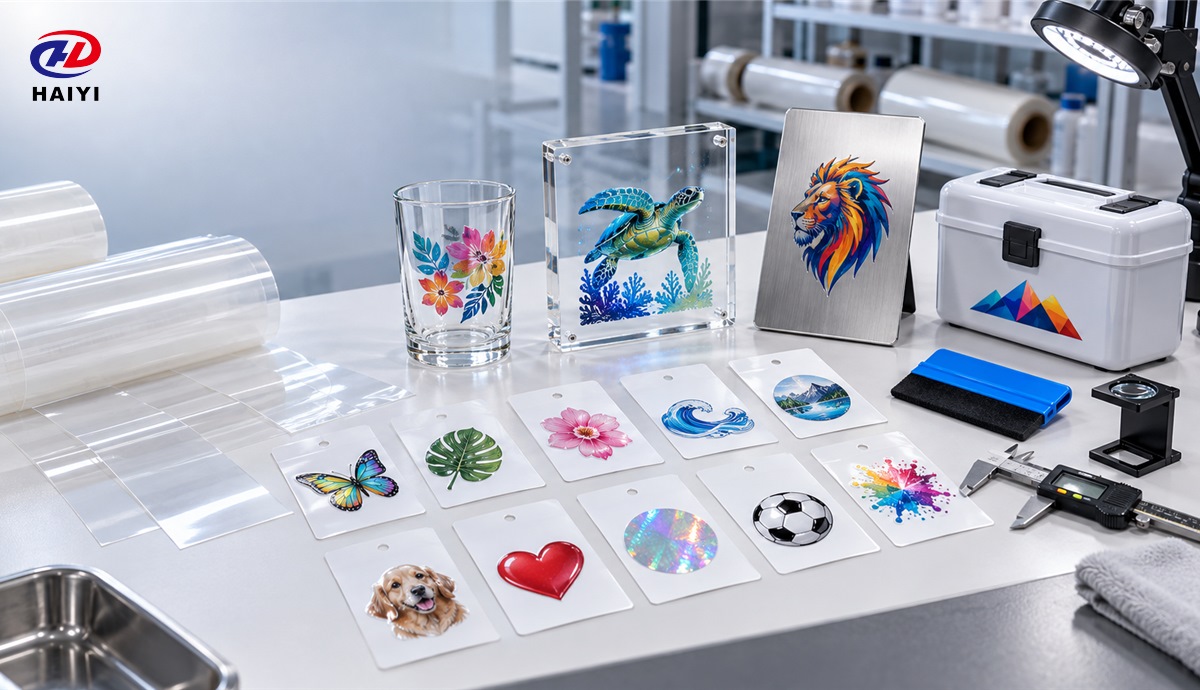
A sample protocol should begin with a test matrix that represents production risk. Include the easiest and most difficult substrate, a large solid area, a fine-line design, small isolated elements, white and dark backgrounds, curved placement where relevant, and the normal maximum printed width. A decorative sample with only large shapes cannot reveal many release and registration problems.
- Condition the material. Bring sealed rolls or sheets to the normal production environment before opening and follow the supplier's storage guidance.
- Record the system. Document printer model, ink and varnish, RIP mode, layer order, lamp settings, laminator setup, room conditions, and operator.
- Inspect feeding and printing. Check flatness, tracking, static, head clearance, dot placement, white-to-color registration, and surface defects.
- Inspect lamination. Check alignment, bubble formation, wrinkles, edge behavior, and whether pressure is uniform across the working width.
- Test release. Peel at a controlled angle and speed, then inspect fine text, narrow lines, separated dots, and varnish edges.
- Apply to real substrates. Use a defined cleaning and application method, then evaluate immediate appearance and delayed adhesion.
- Stress the finished sample. Select tests that match actual use, such as handling, abrasion, temperature cycling, moisture, washing, or outdoor exposure.
One successful sheet is not enough for wholesale approval. Buyers should repeat the protocol across the roll and, when supply continuity matters, compare samples from more than one production batch. The purpose is to measure repeatability, not to find one attractive result.
How can buyers compare suppliers without relying on marketing labels?
A supplier comparison should use the same sample file, substrates, settings, inspection criteria, and acceptance limits for every candidate. Terms such as premium, high tack, anti-static, or universal are not standardized performance grades. The buyer should translate each label into an observable test.
Technical support is demonstrated by specific questions and reproducible guidance. A capable supplier should ask about the printer, layer sequence, ink and varnish, laminator, surface, failure mode, and environment before recommending a material. Generic instructions without system context are less useful for diagnosing a production problem.
Private-label buyers should separate product customization from packaging customization. A custom carton or core label does not prove a custom coating. The RFQ should state whether the request concerns branding, width, length, core, winding, release behavior, coating, adhesive behavior, packaging, documentation, or batch identification.
Supplier approval should also review change control. Ask how formula, base film, adhesive, liner, production site, or packaging changes are communicated. A sample is meaningful only when the material delivered later is traceable to an approved specification.
For a broader factory review, use the UV DTF supplier assessment guide. Importers who need a quality-system perspective can also review the UV DTF quality standards checklist.
How should total usable cost be calculated?
Roll price does not equal production cost. Total usable cost includes the material consumed by setup, edge trim, registration loss, defective prints, failed pickup, application rework, substrate scrap, roll changes, cleaning, downtime, customer replacements, and inventory held for slow-moving sizes.
A practical comparison divides the landed cost of the tested film system plus measured process losses by the number of acceptable transfers produced. A slightly higher purchase price can be economical when it reduces defect and interruption costs. A low roll price can be expensive when the usable yield is unstable.
Distributors should calculate the inventory effect of A/B pairing. Selling an A roll that does not match available B stock creates stranded inventory and support issues. A SKU plan should define approved pairs, compatible widths, reorder points, sample availability, and a process for managing revisions.
What should be included in a UV DTF A/B film RFQ?
- Printer make, model, maximum media width, and feed configuration
- Ink, white, varnish, adhesive-layer, and RIP workflow details
- Laminator type, working width, roll-core requirement, and winding direction
- A film and B film width, length, core, packaging, and quantity
- Target surfaces, finishes, shapes, and intended indoor or outdoor exposure
- Artwork risks such as fine text, isolated dots, heavy solids, or curved application
- Required sample format, test method, acceptance criteria, and retained sample
- Batch code, certificate or inspection record, shelf-life guidance, and change control
- OEM packaging, labeling, carton marks, documentation, and destination requirements
How should incoming UV DTF film be inspected?
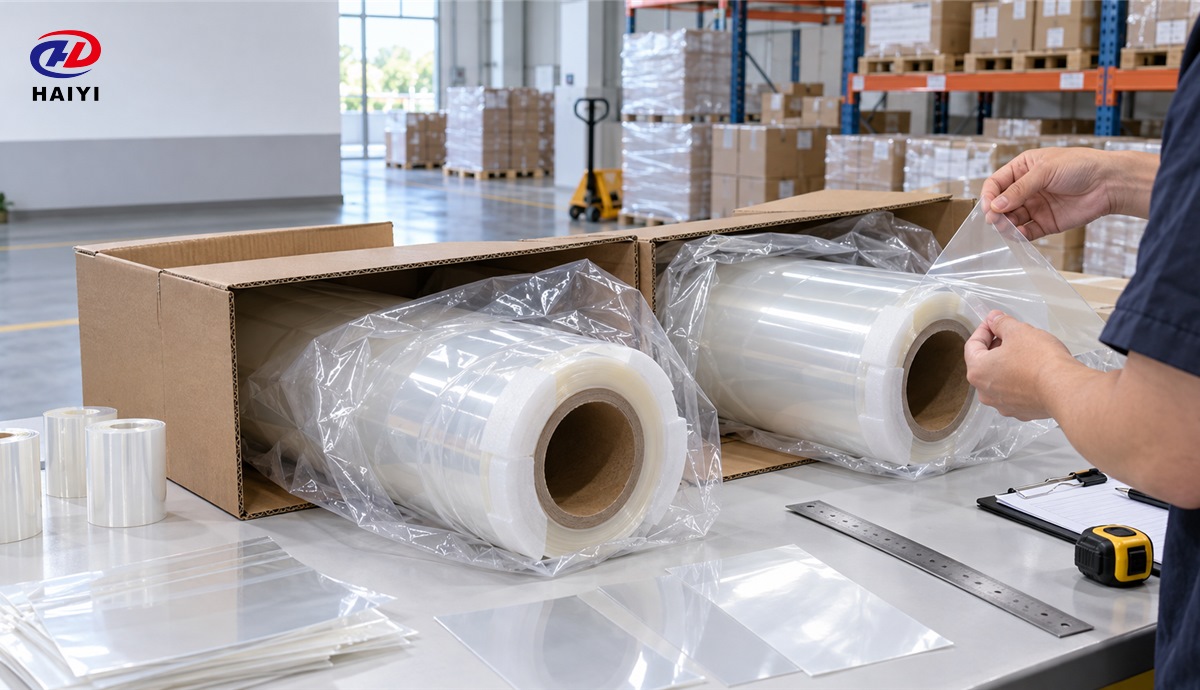
Receiving inspection should confirm purchase order, A/B identity, quantity, batch or lot reference, roll dimensions, core condition, winding direction, protective packaging, carton damage, and roll-edge damage. Material should be quarantined when identification is missing or packaging suggests moisture, crushing, contamination, or telescoping.
A production release test should compare the incoming batch with the approved sample under the same controlled file and settings. Retaining a short section from each accepted batch gives the buyer a reference if a later complaint involves release, adhesion, appearance, or storage.
Which failures point to film, process, or substrate problems?
| Observed failure | Likely variables to isolate | First controlled check |
|---|---|---|
| Ink spread or poor detail | A-film surface, ink laydown, RIP mode, curing | Print the same file on approved reference and candidate film |
| Wrinkles or bubbles in lamination | Roll tension, alignment, roller condition, contamination | Clean rollers and repeat at controlled tension and speed |
| Design remains on A film | Curing, lamination contact, A/B compatibility, peel method | Repeat with documented settings and controlled peel angle |
| Fine details stay on B film | Surface preparation, tack balance, insufficient contact | Apply to a cleaned reference substrate beside the target item |
| Edges lift later | Substrate finish, contamination, geometry, end-use exposure | Run delayed adhesion and handling tests on the real substrate |
| Dust bumps or pinholes | Static, room cleanliness, handling, film protection | Measure the effect of controlled cleaning and humidity |
Frequently asked questions
Can UV DTF A film and B film from different suppliers be mixed?
Mixing may work, but compatibility should never be assumed. The release and carrier balance depends on the complete construction, so the mixed pair should pass the same production and end-use tests as a new system.
Is the widest or longest roll always more economical?
A larger roll is economical only when the printer, laminator, handling, storage, and job layout use it efficiently. Extra width can create trim waste, while extra diameter or length can create feed and inventory problems.
Can UV DTF film be used on fabric?
UV DTF A/B film is intended for compatible hard-surface cold transfers. Textile decoration normally uses a different DTF transfer film system with water-based pigment ink, adhesive powder, curing, and heat pressing.
How long should a buyer wait before approving adhesion?
The waiting period should match the supplier's instructions and the intended application. Immediate pickup confirms application, but delayed inspection and relevant stress testing are needed before making durability claims.
Build a repeatable UV DTF film supply program with Haiyi
Haiyi supports wholesale and customized DTF film requirements for B2B buyers. A useful inquiry should include the printer and ink system, A/B dimensions, target surfaces, current failure risks, monthly volume, packaging needs, and sample acceptance method. These details allow the discussion to focus on a compatible, testable supply solution instead of a generic roll quotation.
Contact Haiyi to request UV DTF A/B film information, samples, wholesale terms, or private-label packaging options. Buyers can use the test matrix in this guide to compare the sample with their current material before scaling an order.