






DTF Film Katman Yapısı: Her Kaplamanın İşlevi
A functional guide to the DTF film printable face, PET core, release behavior and optional backside treatment.

DTF transfer film works because its surfaces perform different jobs in sequence: the front receives and releases the printed image, the PET core carries it through production, and the back may help the film feed cleanly. Ink and adhesive powder then turn a blank carrier into a transferable graphic. Understanding each interface makes troubleshooting more precise than calling every defect a “bad film” problem.
Estimated reading time: 8 minutes.
Which layer receives the DTF ink?
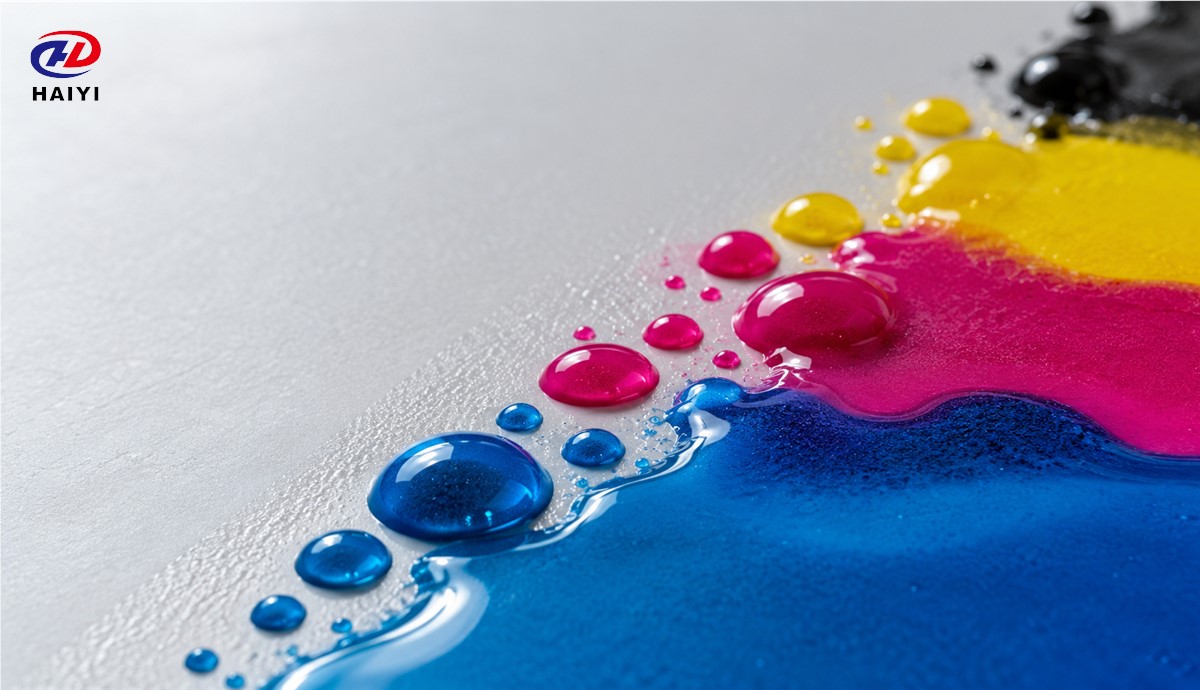
The supplier-designated printable face receives the ink. A suitable surface allows controlled wetting so droplets form continuous color without excessive spread, pinholes or pooling. It must hold image detail long enough for powdering and curing. An ink-wetting problem is visible before the garment press: blurred edges, beading or inconsistent solid coverage often appear on the film itself.
A receiving coating is not a universal ink adapter. Different ink formulations, print modes and humidity conditions can change the result. Before replacing a film, compare a suspect roll with a qualified reference using the same printer settings. The ink-receiving coating article examines this interface in more detail.
What does the PET core do?
The PET substrate keeps the printed image dimensionally supported while it travels through the printer, powder applicator, curing stage and heat press. Flatness, thickness and thermal response influence registration and transport. The PET is a temporary process carrier, not a component that remains bonded to the fabric. For composition details, see what DTF film is made of.
If a blank sheet curls before printing or a roll tracks poorly, inspect storage, winding and the PET construction as well as machine alignment. If distortion appears only after curing, record actual temperature and dwell time before assigning the cause to the carrier.
How does the release surface work?
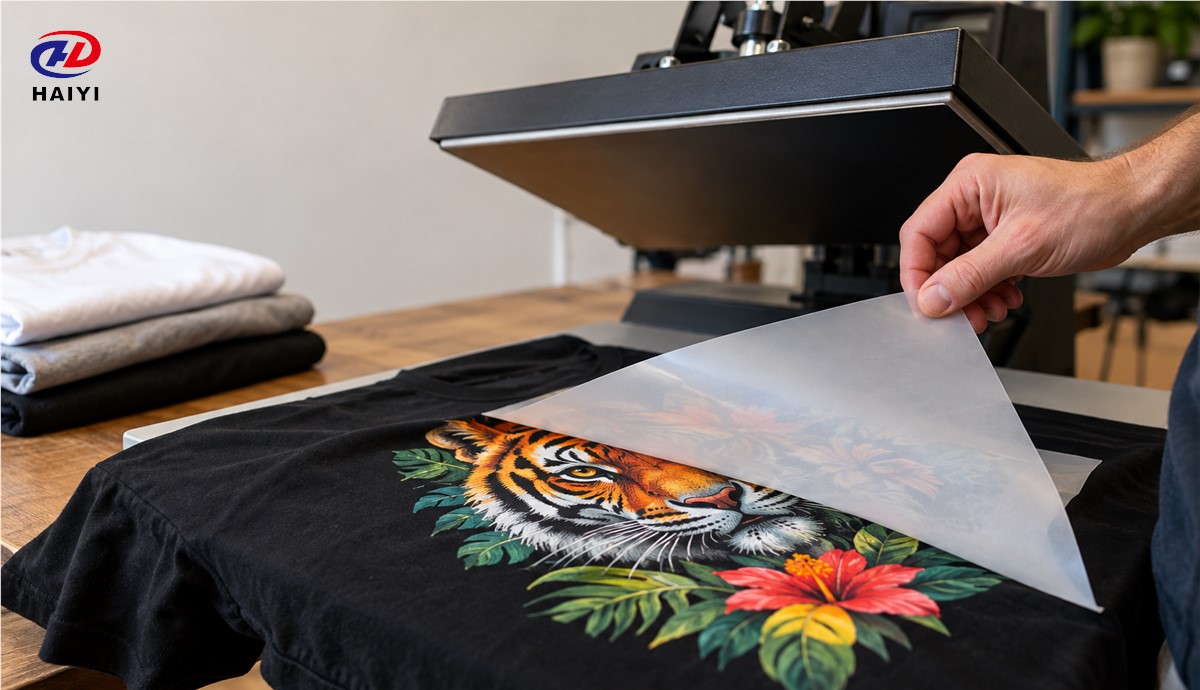
Release performance determines whether the finished ink-and-adhesive image separates cleanly from the carrier at the product’s intended peel stage. Some products are designed for a hot peel, some for a cooled peel, and others for a defined intermediate window. A clean peel depends on film, ink, adhesive, cure, press conditions and fabric. A film that prints beautifully can still be unsuitable when its release behavior does not match the shop’s cycle.
Do not diagnose a failed peel from film appearance alone. Record whether the graphic remains on PET, breaks at the edge, lifts from the garment or leaves residue. Those patterns indicate different possible interfaces. Our release-force test guide describes a controlled comparison instead of relying on a subjective “easy peel” label.
What does the back surface contribute?
A backside treatment may help control friction, static or blocking as the carrier moves through equipment. It is possible for both faces of a film to look matte while only one is designed to receive ink. A technical data sheet from a film manufacturer explicitly distinguishes a printable coating on one side from an anti-static coating on the other. Operators should load the designated face, not assume that visual symmetry means interchangeable surfaces.
Static, skew or feeding marks that occur before printing point toward a different set of checks than ink beading on the front. The anti-static performance guide can help buyers frame objective requirements.
Where do ink and powder enter the structure?
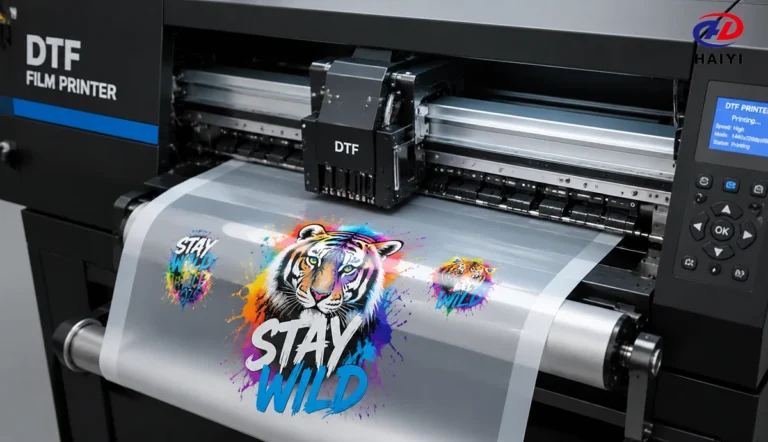
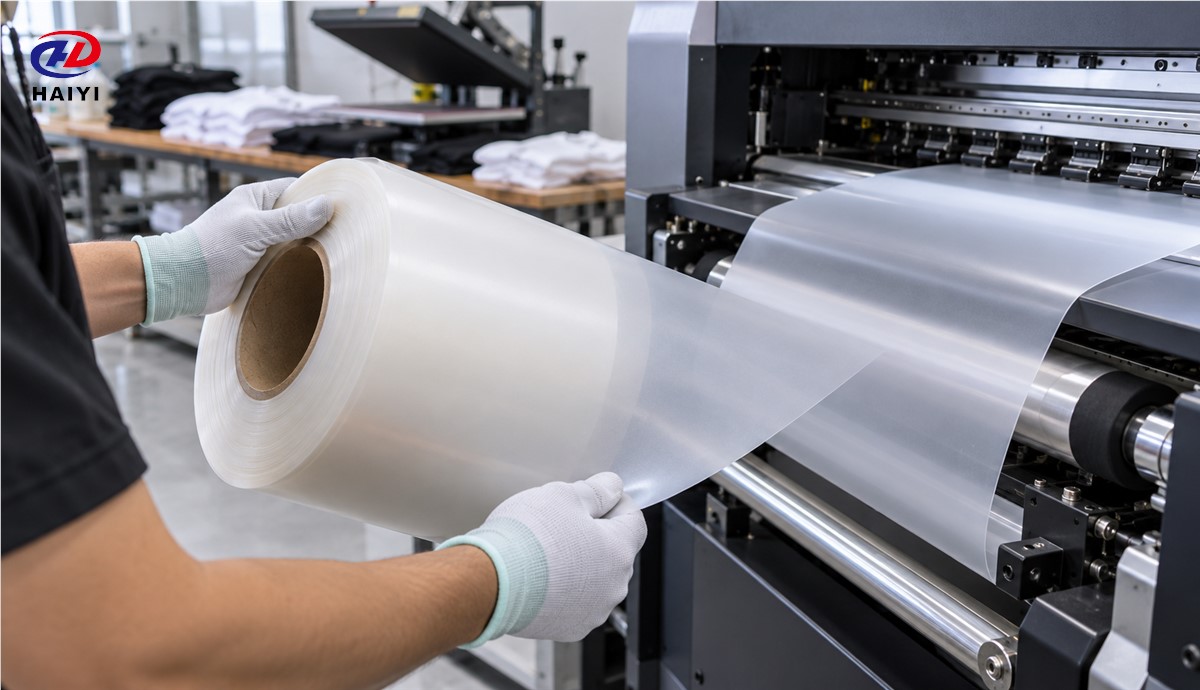
Blank film is not a finished transfer. Printing deposits color and typically an opaque white underbase on the designated face. Hot-melt powder is applied to the wet image and cured. During pressing, that adhesive bonds the graphic to the garment; peeling removes the PET carrier. The process article How Does DTF Film Work? covers the full print-to-transfer sequence, while this page focuses on the functions of each film surface.
Which defect points to which process stage?
| Observed issue | First checks |
|---|---|
| Ink beads or edges bleed on blank film | Printable side, coating/ink compatibility, print mode, contamination |
| Skew or static before printing | Storage, backside behavior, feed path, humidity, roll winding |
| Powder sticks to clear areas | Static, powder handling, ink overspray, environmental conditions |
| Image tears or remains on PET during peel | Peel timing, cure, adhesive, press, release behavior |
| Garment fails after laundering | Adhesive bond, cure, press, fabric preparation and aftercare |
This matrix identifies starting points, not final diagnoses. Change one variable at a time, retain a known-good control and document each sample. If two films behave differently, compare their batches under the same conditions before attributing the difference to one named coating.
Discuss a matched film program with Haiyi: Haiyi provides wholesale and customizable DTF film. Send us your printer, ink, powder, garment and peel requirements to discuss samples and a controlled qualification plan.
SSS
Does a matte back mean I can print on both sides?
No. A matte back may have a feed or anti-static treatment rather than a printable receiving coat.
Does poor wash durability always mean bad film?
No. Adhesive, cure, press conditions, fabric and aftercare may be responsible.