






Problemi di copertura dell'inchiostro bianco e di distacco del DTF: una guida diagnostica
Diagnose DTF peeling problems caused by white ink density, underbase geometry, circulation, curing, powder, press settings, and film release.

Reading time: 7 minutes
White ink can make a DTF transfer difficult to peel when the underbase is too heavy, uneven, poorly registered, insufficiently cured, or inconsistent in the ink path. However, white ink is only one possible cause. A correct diagnosis must separate artwork and ink coverage from film release, powder, curing, heat-press settings, peel timing, garment construction, and storage.
This guide focuses specifically on white-ink-related peel failures. For a wider review of temperature, pressure, release coating, fabric, and storage, use Haiyi’s complete hard-to-peel DTF film troubleshooting guide.
How can white ink make DTF film difficult to peel?
DTF white ink forms the opaque backing behind the color image and creates the wet surface that receives adhesive powder. The amount and uniformity of white ink therefore affect transfer thickness, powder coverage, curing, heat flow, cooling, and the edge that must release from the carrier.
A heavy white layer may look dry on the surface while retaining more moisture or vehicle inside. During pressing, that thick stack can require a different heat and cooling response. A weak or banded white layer can leave powder coverage inconsistent, producing areas that release cleanly beside areas that lift from the garment.
Which white ink patterns point to a peeling problem?
| Modello osservato | Likely area to inspect | Why it affects peeling |
|---|---|---|
| Solid artwork is hard to peel, but fine detail releases | White density, total ink load, cure depth | Large deposits retain more liquid and form a thicker transfer stack |
| Alternating strong and weak bands | Nozzle check, dampers, circulation, feed calibration | Uneven white coverage creates uneven powder and adhesion |
| A white border appears around color | Underbase choke, spread, registration, head alignment | Exposed white changes the edge geometry and visible release line |
| Random pinholes or porous areas lift | White starvation, air, nozzle loss, film wetting | Missing ink creates gaps in powder pickup and bonding |
| Every design fails in the same roll position | Film coating, platen zone, feed path | A position-linked failure is less likely to be artwork density alone |
| Every position and design fails equally | Peel timing, press recipe, film type, material compatibility | A system-wide failure points beyond one white-ink pattern |
How should the white underbase be inspected before curing?
Inspect the white underbase under both reflected and transmitted light. Reflected light shows puddling, gloss variation, wet edges, and contamination. Transmitted light reveals pinholes, banding, weak zones, and density changes that may be hidden on an opaque table.
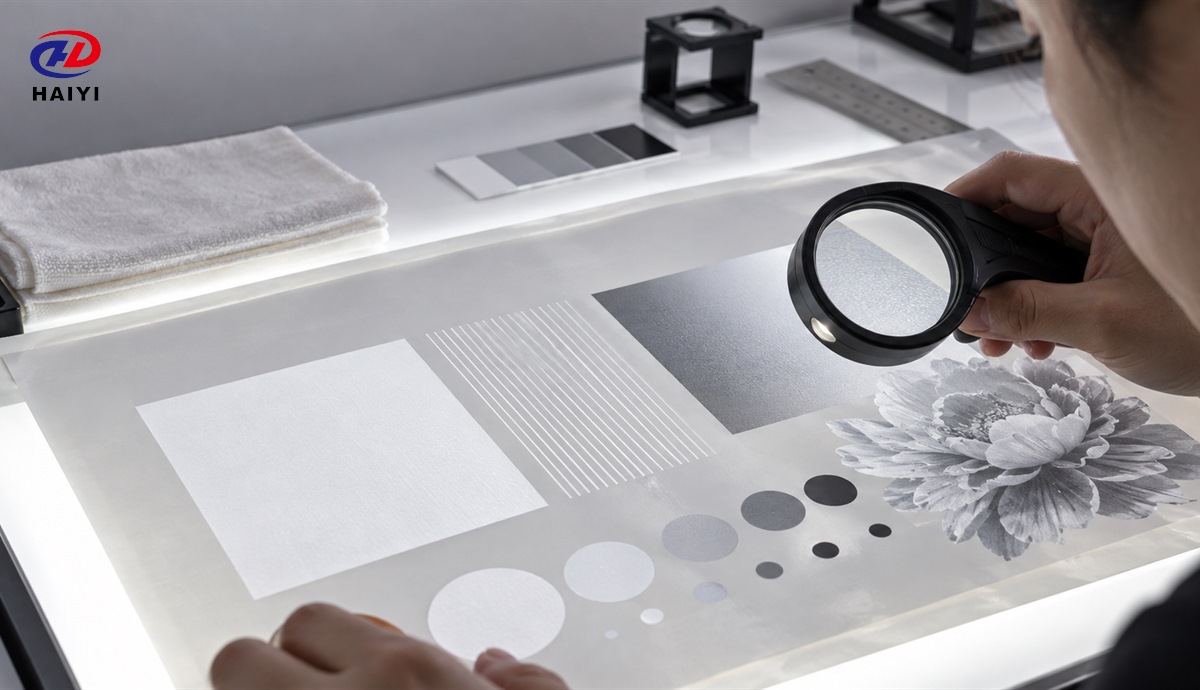
Compare the printed film with an approved reference produced from the same RIP preset. Check whether the white layer follows the color image accurately and whether the edge contains unintended expansion. A clean nozzle check does not prove sustained white flow, so also examine the beginning, middle, and end of a production strip.
Can white ink density be reduced to improve peeling?
White ink density can sometimes be reduced when excessive coverage is causing a thick, slow-curing transfer, but density should not be reduced blindly. Too little white ink can weaken opacity, powder pickup, color appearance, and adhesion. The correct setting is the lowest stable density that still meets the approved visual and durability standard for the specific printer, film, powder, artwork, and garment.
Change density in controlled increments and keep all other variables constant. Print the same file, cure it with the same verified process, and press it onto the same fabric. Record opacity on a dark garment, powder coverage, peel behavior, edge quality, stretch, and wash result.
How do underbase choke and registration affect release?
Underbase choke reduces the white layer slightly inside the color edge so minor registration variation does not create a visible white halo. Too little choke may expose a white border, while excessive choke can leave colored edges without enough backing or adhesive support.
Registration error can come from RIP settings, head alignment, media feed, film movement, or mechanical instability. If the white edge shifts consistently in one direction, inspect alignment and feed before changing ink chemistry. If the shift grows during the run, inspect film flatness, environmental change, and sustained ink delivery.
How does white ink circulation affect peeling?
White ink contains dense pigment that can settle when it remains still. Inadequate agitation or circulation can make the first part of a run different from later output, create watery-looking white, or produce uneven opacity. Excessive agitation can also introduce air, depending on the system.
Follow the printer and ink supplier’s circulation, agitation, maintenance, and storage procedure. Do not mix unknown ink formulations in one system, and do not assume vigorous bottle shaking can repair aged, contaminated, or irreversibly agglomerated ink. The goal is a homogeneous, repeatable supply to the printhead.
How should a three-pattern diagnostic test be designed?
A useful white-ink diagnostic file contains a solid block, fine lines or small text-like shapes, and a tonal or halftone image. These patterns create different ink loads and edge conditions on the same film. Print them together so the film, ink, powder, environment, and timing remain comparable.
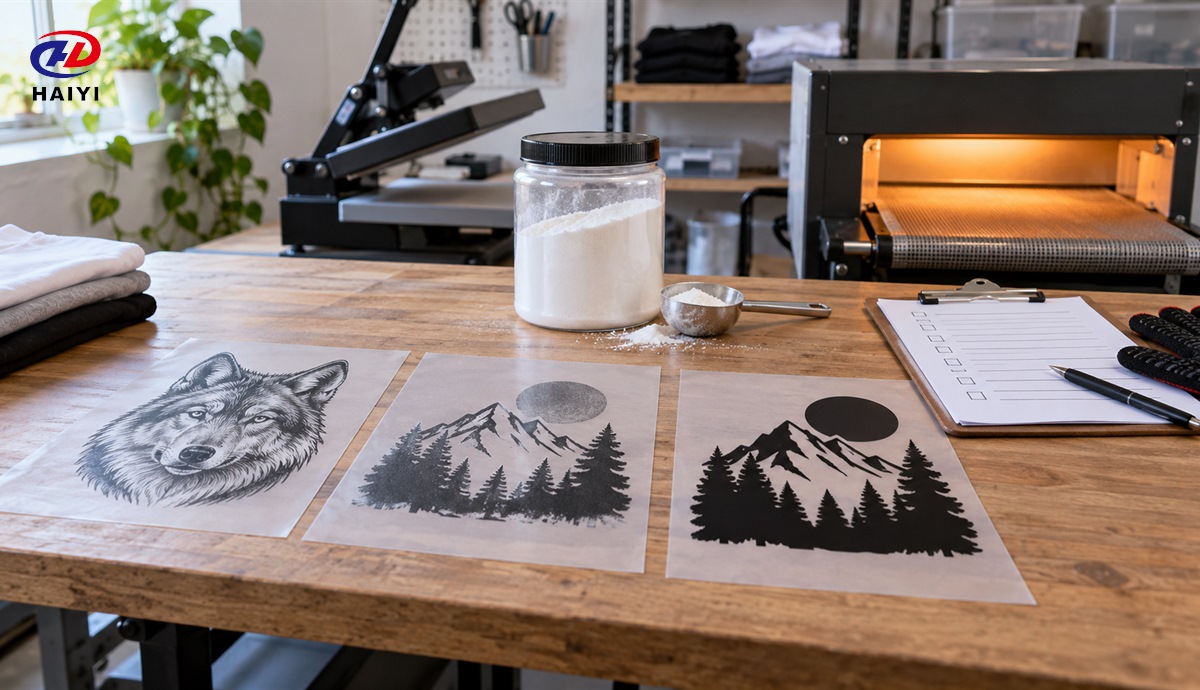
- Confirm the correct printing side and load the film flat.
- Run and photograph a nozzle check before the test.
- Print all three patterns using the current production preset.
- Inspect white coverage, edges, wetness, and powder pickup before curing.
- Cure all samples together under the same measured condition.
- Press them on one garment panel with uniform temperature and pressure.
- Peel using the film’s approved hot, warm, or cold window.
- Record which pattern and which physical location failed.
If only the high-coverage pattern fails, investigate ink load and cure depth. If only fine details fail, inspect nozzle condition, registration, powder coverage, and peel technique. If all patterns fail equally, compare film release, press settings, peel timing, and consumable compatibility.
How can curing create a white-ink peel failure?
Incomplete curing can leave the ink and adhesive stack unstable even when the surface appears dry. Excessive curing can distort the film, change adhesive behavior, or narrow the later press window. Because white coverage changes the mass of the printed layer, one cure setting may not behave identically on a small logo and a large solid image.
Verify the effective cure condition at the film surface and test the most demanding production artwork. Do not correct a heavy white layer by adding uncontrolled heat. First confirm ink density, powder amount, airflow, dwell time, and the actual temperature experienced by the transfer.
When is the film more likely than the white ink?
The film is more likely when the failure follows a repeatable coating lane, roll position, or lot; when multiple white-density settings fail in the same way; or when a known-good control film works under the same process. Film storage, condensation, surface contamination, printing side, and release coating can all change behavior.
Use a controlled DTF consumables compatibility test rather than changing several components together. If the defect follows the peel window, consult Haiyi’s DTF film peel-timing guide.
What does the peel failure pattern reveal?
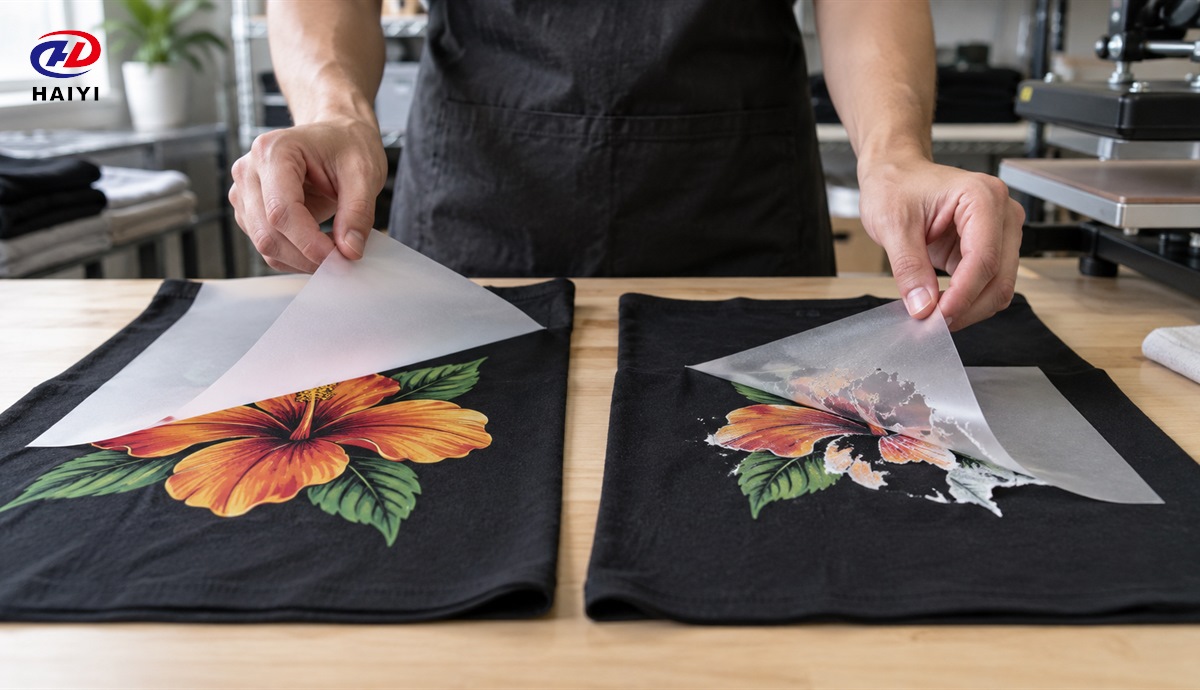
A transfer that remains on the carrier across the complete image suggests a system-wide peel, heat, pressure, or compatibility issue. Failure only at heavy solid areas points toward ink load or cure. Failure beside seams or platen edges points toward pressure distribution. Failure that changes with peel delay points toward release timing. Failure along one roll lane points toward film, feed, or equipment position.
Do not immediately increase temperature and pressure. That response can hide one failure while creating fabric shine, dye migration, adhesive marks, or a harder transfer. Use the measured approach in Haiyi’s DTF heat press settings guide.
What should be recorded in a white-ink control SOP?
A white-ink control SOP should identify the ink and film lots, printer and printhead, circulation routine, storage conditions, nozzle-check acceptance, RIP preset, white density, choke, artwork class, powder, cure, press recipe, peel window, inspection result, and wash-test outcome. Keep an approved digital file and physical transfer as references.
Revalidate the recipe after an ink or film lot change, printhead maintenance, RIP update, recurring nozzle loss, environmental excursion, or change in garment family. A repeatable record allows the printer, ink, film, or equipment supplier to evaluate the same evidence.
Domande frequenti
Does more white ink always improve DTF quality?
No. More white ink may increase opacity, but excessive deposit can slow curing, thicken the transfer, increase powder demand, and complicate peeling. Approve density using opacity, release, adhesion, hand feel, and wash performance together.
Can a clean nozzle check rule out white ink?
No. A nozzle check is a short snapshot. Sustained flow, circulation, density, registration, and ink-film wetting can change during a longer production run.
Should difficult peeling be fixed by waiting longer?
Only when the film requires a longer cooling or peel window. Waiting cannot correct missing powder, uneven pressure, a damaged coating, or an incompatible ink-film system.
Validate DTF film with Haiyi
Haiyi supplies wholesale and customizable DTF film for distributors, print shops, and private-label buyers. B2B customers can request samples to compare white-ink reception, powder behavior, curing, release, pressing, and wash performance on their own production system. Review Haiyi’s DTF film buying guide or contattare Haiyi with your printer, ink, film width, powder, peel type, artwork, garment, and defect photographs.